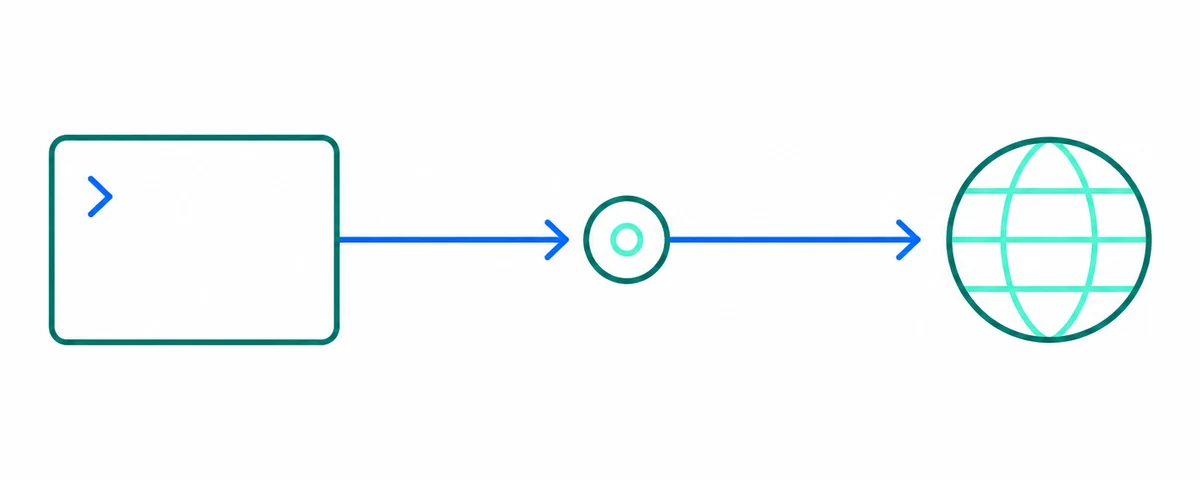
1. HTTP 代理
curl -x "http://203.0.113.10:8080" https://api.ipify.org2. 带远程 DNS 的 SOCKS5
curl --socks5-hostname 203.0.113.10:1080 https://api.ipify.org3. SOCKS4
curl --socks4 203.0.113.10:1080 https://api.ipify.org4. 取列表中的第一个代理
proxy="$(curl -sL https://raw.githubusercontent.com/xyzs996/free-proxy-health-list/main/http.txt | head -n 1)"
curl -x "http://$proxy" --max-time 10 https://api.ipify.org
能帮你省时间的说明
请使用 --socks5-hostname 而不是 --socks5,让代理去解析目标主机名;后者在本地解析,会泄露这次查询。务必设置 --max-time,否则失效代理会让命令一直卡住。如果希望 curl 在 HTTP 错误时返回非零退出码、以便 shell 循环继续,可以加上 -f。
相关教程
公开快照的使用边界
免费公共代理由不明身份的第三方运营且被多人共享,切勿通过它们传输密码、令牌或个人数据。请遵守 GitHub 可接受使用政策:不得用于垃圾信息、攻击、绕过访问控制,或违反网站政策的采集行为。
免费公共代理由不明身份的第三方运营且被多人共享,切勿通过它们传输密码、令牌或个人数据。请遵守 GitHub 可接受使用政策:不得用于垃圾信息、攻击、绕过访问控制,或违反网站政策的采集行为。