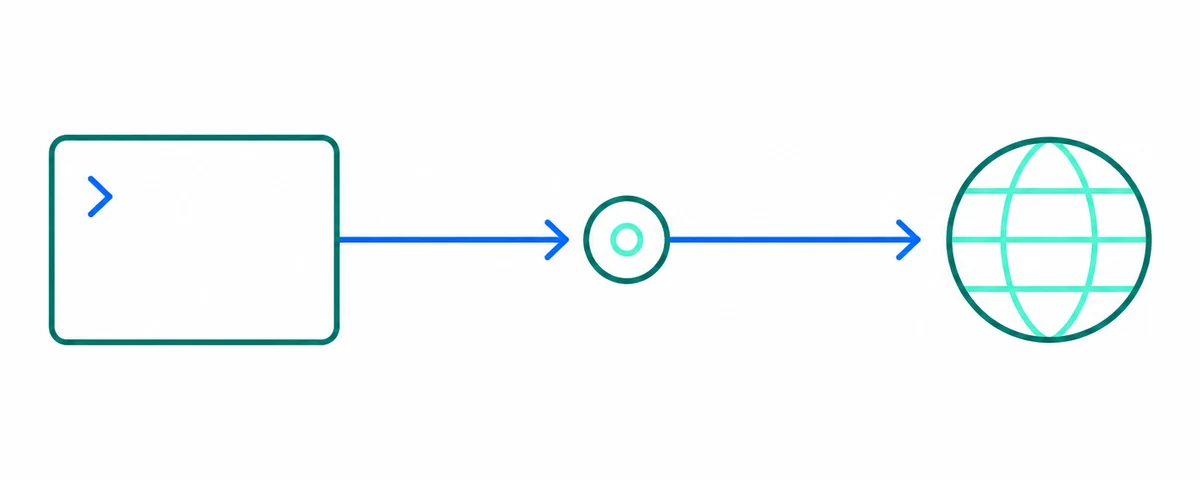
1. HTTP proxy
curl -x "http://203.0.113.10:8080" https://api.ipify.org2. SOCKS5 with remote DNS
curl --socks5-hostname 203.0.113.10:1080 https://api.ipify.org3. SOCKS4
curl --socks4 203.0.113.10:1080 https://api.ipify.org4. Take the first proxy from the list
proxy="$(curl -sL https://raw.githubusercontent.com/xyzs996/free-proxy-health-list/main/http.txt | head -n 1)"
curl -x "http://$proxy" --max-time 10 https://api.ipify.org
Notes that save time
Use --socks5-hostname rather than --socks5 so the proxy resolves the target hostname; the plain flag resolves locally and leaks the lookup. Always set --max-time, because a dead proxy otherwise stalls the command. Add -f if you want curl to exit non-zero on an HTTP error so a shell loop can move on.
Related guides
Public snapshot boundary
Free public proxies are shared and operated by unknown parties. Never send passwords, tokens or personal data through them. Follow the GitHub Acceptable Use Policies: no spam, no attacks, no bypassing access controls, no scraping against site policies.
Free public proxies are shared and operated by unknown parties. Never send passwords, tokens or personal data through them. Follow the GitHub Acceptable Use Policies: no spam, no attacks, no bypassing access controls, no scraping against site policies.